
On iPhone and iPad, IPTV players come from the App Store. The reliable options are paid apps with free trials, so you can test CosyTelly properly before paying the app maker's one-off fee.
You will need an iPhone or iPad with a recent version of iOS or iPadOS, your Apple ID for the App Store, and the M3U link from your CosyTelly message. You will also use a web browser for one step, which you can do on the same device.

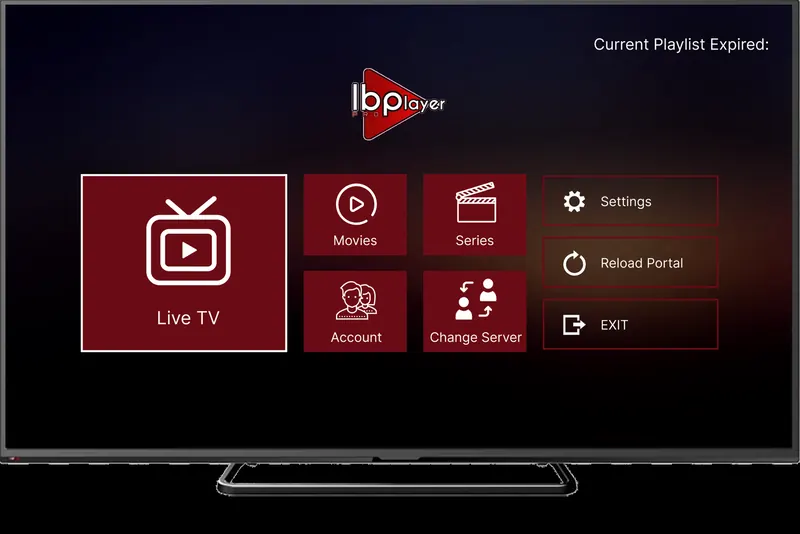
App fee: about €8 (roughly £7) for life, with a 7-day free trial, paid to the app maker and separate from your CosyTelly subscription.

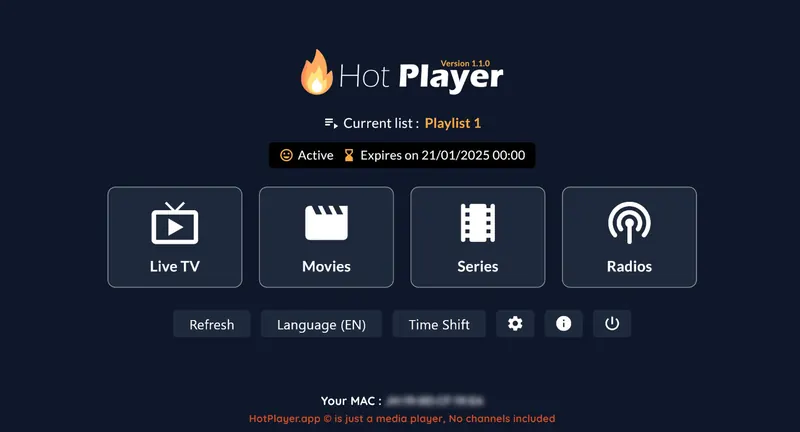
App fee: €5.99 a year or €14.99 for life, with a 30-day free trial, paid to the app maker and separate from your CosyTelly subscription.
Your login is in the WhatsApp message we send when your order or trial is confirmed. Find your app below and follow its steps.
Lost your username, password or M3U link? Message us and we will resend it.
Check the MAC address you typed on the playlist page matches the one shown in the app, then close the app fully by swiping it away and open it again.
Open IBO Pro Player or Hot Player. The MAC address, and the Device Key for IBO, is shown on the first screen or in the app's settings.
iOS pauses most video apps in the background. Go back to the player and press play, or use Picture in Picture if the app offers it.
4K needs a strong, fast signal and uses a lot of data. Choose FHD or HD channels on 4G or 5G, and switch to Wi-Fi when you can.
Still stuck? Message us on WhatsApp with your device, the app you are using and a photo of any error, and we will sort it out with you.
The dependable options on the App Store are paid: IBO Pro Player and Hot Player. Both have a free trial, so you can test CosyTelly before paying the app maker's fee.
Yes. Both apps work on iPhone and iPad, and the steps are identical on each.
Open the app to see your MAC address (and Device Key for IBO), then enter those on the app maker's playlist page together with the M3U link we send you. Restart the app and your channels appear.
Message us on WhatsApp and we will walk you through it on your iPhone & iPad, one button at a time.